

The Journal / Articles & reviews
XLR vs RCA, USB vs AES/EBU: The Connections That Can Matter More Than Cable Brands
Before you compare cable brands, compare connection types; my biggest interconnect discovery came from the socket, not the price tag.
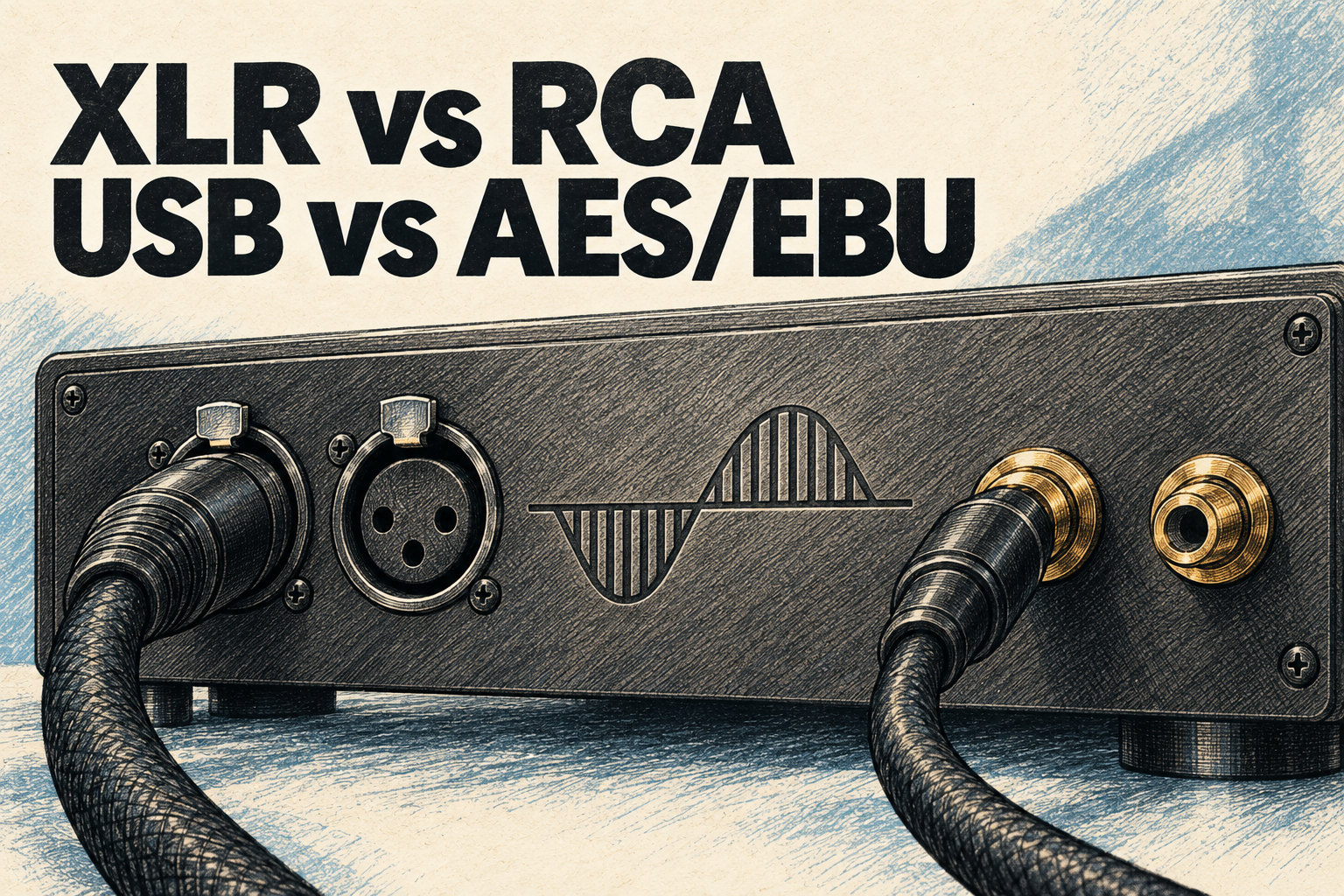
I have bought more than 100 audio cables in 15 years, at prices from $20 to several thousand dollars per cable. One of the most important lessons they taught me is not about any of them. It is about the socket. On XLR vs RCA, my answer fits in one line. If your equipment supports balanced XLR connections, use them. Period. The difference isn't subtle: a blacker background, better noise rejection, more dynamic punch. In many systems it could matter more than the brand printed on the cable.
Here I take that lesson apart: balanced vs unbalanced audio in plain words, where RCA is fine, and what happened when I moved to the digital side, from USB to coaxial to AES/EBU. Bits are bits, right? Well, not exactly. The listening comes from my cables film of 28 October 2025, the one where I owned up to spending over $35,000 on cables. The engineering comes from published interface references and McIntosh's own spec sheet.
The socket before the brand
Analogue interconnects, RCA and XLR, carry low-level signals, so they are vulnerable to interference. Their whole job is to stay out of the way and introduce nothing new, and that is the most difficult thing to manufacture. I have tested dozens over the years and owned AudioQuest from Red River up to Black Beauty. Transparent Super and Reference now sit in every critical position of my system for one reason. They are designed to add nothing.
Each step up a good maker's ladder gave me something: a lower noise floor, better micro-detail, more refined highs, more soundstage depth. Yet my biggest discovery among interconnects was not a rung on anybody's ladder. It was the connection type, which, as I said on camera, "could matter more than the brands in many of the cases."
If your equipment supports balanced XLR connections, you have to use them. The difference isn't subtle.
Balanced cabling was there on day one of my McIntosh years. The first music the MA9500 played for me, Daft Punk's Giorgio by Moroder, streamed from an Eversolo A6 Master Edition over AudioQuest Yukon XLR. The whole cable story, from my first QED speaker cables onwards, is in my $35K cables film.
Balanced vs unbalanced audio, simply: how XLR rejects noise
An RCA cable is unbalanced. It has one signal wire, and its shield doubles as the return, so any hum the shield picks up goes straight into the music. The input at the far end cannot pull the two apart.
A balanced XLR cable plays a different game. Two identical wires, twisted together, run inside a separate shield. In the textbook version, pin 2 carries the signal and pin 3 carries an upside-down copy of it. Interference along the run lands on both wires in equal measure. The input listens only to the difference between them, so the shared noise drops out, while the music, opposite on the two legs, comes out at twice the size. Engineers call this common-mode rejection. It is why balanced lines can run long distances and stay quiet.
Read every label as live text
- RCA (unbalanced)
- N
- S + N
- XLR (balanced)
- pin 2: +S
- pin 3: -S
- N
- hot - cold
- 2S
One correction to the textbook. The upside-down copy is not what cancels the noise; matched impedance on the two wires does, so an output that drives only one leg can still be fully balanced against interference on the cable. A fully differential output stage adds something else, headroom: twice the maximum output, 6 dB more. That is why "fully balanced" or "differential" in a manual promises more than "balanced output" alone. Either way, with a balanced output feeding a differential input, the cable between them is the quieter path.
XLR vs RCA in my systems: what I heard, and where RCA is fine
In the film I said XLR connections give "a blacker background, better noise rejection, and more dynamic punch than the RCA." The reason, I added, was "most likely because they carry a higher voltage." My Daily on the subject carries the rule in its title, If it has XLR, use it.
On paper, my own preamplifier points the same way. McIntosh rates the C12000 at up to 20 V RMS from its balanced outputs against 10 V RMS from its unbalanced ones. That is twice the voltage, 6 dB more headroom.
Level matters, though. Balanced does not by itself raise the nominal level, which is standardised. But where a balanced output really is hotter, an RCA vs XLR comparison at the same volume setting is partly a loudness test. Match the levels first, with a meter if you can.
Don't misunderstand me. RCA is fine in plenty of places, and my own reference system has an unbalanced link by design. The McIntosh MT5 turntable plays into the C12000's phono stage, and McIntosh fits that preamplifier with unbalanced phono inputs. If either component offers only RCA, buy a good RCA cable and spend your worry elsewhere. For short runs, designers trade the noise reduction of a balanced line against the cost of the extra circuitry. And in a starting system, as I said in the film, elements other than the cables are more likely to be hurting the sound. Focus on better speakers and room treatment first.
Bits are bits? Well, not exactly: USB, coaxial and AES/EBU
Here is where cables get controversial. A digital cable carries ones and zeros, and a one is a one. So I tested it. USB from cheap Amazon Basics up to AudioQuest Carbon, coaxial from generic to high-end, and balanced AES/EBU. Digital cables were a surprise. The differences were real, and their size depended on the type. The short version is in my Daily Bits are bits. Well, not exactly.
USB: a real difference, but the system decides
USB cables under 2 metres are always a debate. Yes, there is absolutely a difference between an AudioQuest Carbon and an Amazon Basics. But how revealing your system is decides whether you hear it. Part of the reason is timing. In USB's asynchronous mode, the DAC keeps time on its own clock, not the computer's. The cable delivers the data, but it does not set the beat.
AES/EBU vs coaxial: same data, different wire
Coaxial was more noticeable. Better cables gave a smoother, more refined sound. Consumer S/PDIF over copper runs on 75-ohm coaxial cable with RCA or BNC plugs, at 0.5 to 0.6 V peak to peak.
AES/EBU is the professional version, standardised as AES3 and first published in 1985, and at the protocol level it is nearly identical to S/PDIF. The difference is physical. AES/EBU uses 110-ohm shielded twisted pair, three-pin XLR plugs and 2 to 7 V peak to peak. It is the balanced idea again, on the digital link, at several times the voltage.
AES/EBU, balanced digital: this is where I heard the real differences, especially with my high-end DAC.
And this is important. Those differences are more noticeable with revealing equipment, and they go hand in hand with your electronics upgrades.
Why digital cables can matter: the signal starts there
In the film I said digital cable differences can be smaller than analogue ones but, surprisingly, even bigger than speaker cable differences, because the digital cable sits right where the signal starts, at the source, at the heart. Minutes later I ranked digital third for audible impact, after speaker cables and analogue interconnects, ahead of power. Both hold. Across systems, digital comes third. At the heart of a revealing front end, it can surprise you.
The mechanism is not mysterious. Coaxial and AES/EBU hide the clock inside the data, in a scheme called biphase mark code that flips the signal once or twice for every bit. The DAC has to rebuild its timing from that stream, and every rebuild is a chance for timing error, jitter. A DAC without a stable clock reference lets that error through as noise in the analogue output. Good receivers work hard to strip it out, yet many designs never fully shake off the source and the cable. So the argument is not about wrong numbers. It is about the timing the DAC recovers from them, and how well a given DAC protects itself.
That is why I keep saying the upgrade path needs balance. A high-end AES/EBU cable is no substitute for the DAC upgrade it should accompany.
| Connection | What it carries | When it helps | What I heard |
|---|---|---|---|
| RCA, unbalanced | Analogue line or phono; the shield is the return | Either end single-ended; unbalanced phono inputs | Against XLR, a less black background and less punch |
| XLR, balanced | Analogue line on two matched wires plus shield | Both ends offer it; long runs | Blacker background, better noise rejection, more punch |
| USB | Digital data; in asynchronous mode the DAC's clock sets the timing | Computer or streamer into a DAC | A real difference, Amazon Basics to Carbon; the system decides |
| Coaxial S/PDIF | Digital, clock embedded; 75 ohms, 0.5 to 0.6 V | Transport or streamer into a DAC | More noticeable; smoother, more refined |
| AES/EBU | Nearly the same protocol, balanced; 110 ohms, 2 to 7 V | Transports and DACs that offer it | The real differences, with my high-end DAC |
RCA, XLR, USB, coaxial S/PDIF and AES/EBU compared, with KD's observations from his cables film of 28 October 2025, electrical figures from Dennis Bohn's 2001 AES3 and S/PDIF comparison for Rane, and McIntosh's C12000 specifications.
Sources: my film of 28 October 2025; Dennis Bohn's 2001 AES3 and S/PDIF comparison for Rane; McIntosh's C12000 specifications.
A sensible spend: matching interconnect and digital money to the system
My price curve runs inside one established maker's range, on ladders such as the AudioQuest, Transparent, Nordost and Kimber ones I named in the film, never mixing brands. Up to $200, significant improvements. From $200 to $600, noticeable ones. From $600 to $1,500, smaller but real. Above $1,500, worth it only in a high-end system. For interconnects my biggest improvements came between $200 and $600; beyond that, you are paying a lot for very small gains. The four steps are in my Daily My cable curve, in four steps.
Then the ratio. On a $2,000 system, 5 to 10% of its value on cables at most. At $5,000, no more than 10%. At $10,000, 12% at the very maximum. Above $100,000, you already know what you are doing. On that $10,000 system, 12% is $1,200 for every cable together, speaker, interconnect, digital and power, so one $1,000 interconnect would swallow almost all of it. If you have a $3,000 system, spending $2,000 on cables is insane. If you have a $50,000 system, $50 cables are holding it back.
And before any of it, the room. Hundreds on the room before thousands on cable, because room acoustics matter more than any cable upgrade ever will. The socket breaks the pattern. It is not a price point on anybody's curve. It is a choice you make at the back panel, and it can matter more than the brand.
Checklist: what to connect how, before buying anything
- Treat the room first: hundreds on the room before thousands on cable.
- Look at both back panels. If both components in a link have XLR, use XLR. If either has only RCA, buy a good RCA cable and move on.
- Read the manual for "fully balanced" or "differential". Those words mean extra headroom as well as noise rejection.
- Comparing RCA vs XLR at home? Match the levels first, or you are judging loudness.
- Let the phono stage decide the phono link. Mine runs unbalanced, by McIntosh's design.
- For digital, start with what both ends offer. If transport and DAC both have AES/EBU, that is the balanced option, and the one where my cable choices mattered most.
- Set the cable budget from the system's value, 5 to 12% up to $10,000, and climb one brand's ladder only as far as your system can reveal.
- Buy anything controversial only with the ability to return it if you don't hear a difference.
I closed the film with a simple verdict. Cables really do matter; just match them to your system. Before you match anything, though, turn the components around and look at the sockets.
Frequently asked questions
Is XLR better than RCA?
When both components support it, yes: a blacker background, better noise rejection and more dynamic punch. When either end is RCA only, a good RCA cable is the right choice.
What is the difference between balanced and unbalanced audio?
An unbalanced RCA link uses the shield as the signal return, so noise picked up on the way rides on the music. A balanced XLR link uses two matched wires, and the input keeps only their difference, so shared noise cancels.
AES/EBU vs coaxial: which digital connection is better?
Neither carries better data, since the protocol is nearly identical. AES/EBU's advantage is electrical: balanced, 110 ohms, XLR plugs and 2 to 7 V against 0.5 to 0.6 V. With my high-end DAC, it is where cable choice mattered most.
Do USB cables affect sound?
In my experience, yes. There is a real difference between an Amazon Basics and an AudioQuest Carbon, how revealing the system is decides whether you hear it, and coaxial was more noticeable.
More from the Journal
Keep exploring.
Loading articles…